Contact support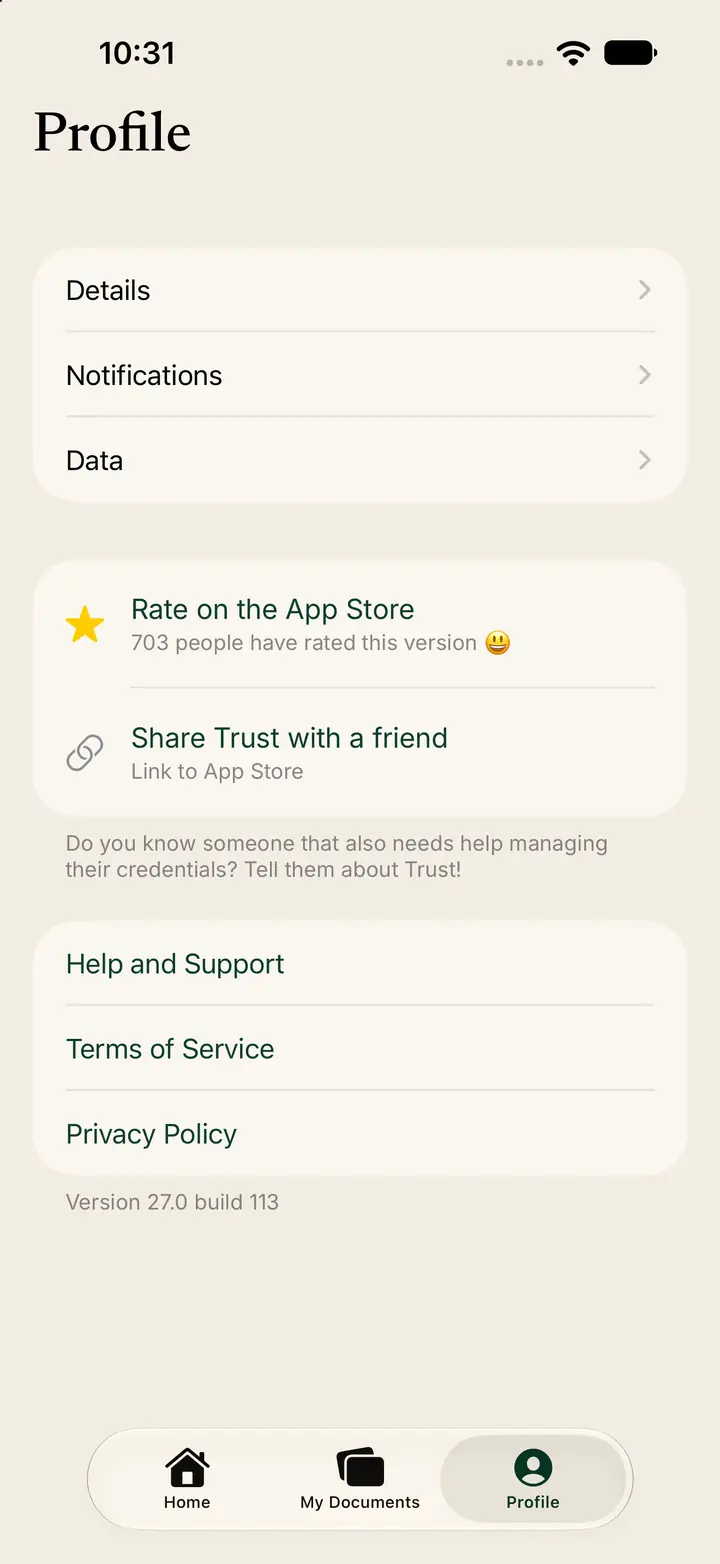
Contact support
Use Help and Support in the app, or the contact form on the Help Center.
Step 1
Start in the app
Tap Profile, then Help and Support, when the steps in this Help Center do not solve the problem.
The same screen links to Terms of Service and Privacy Policy.
The app version is at the bottom of Profile. Include it when you write, so support knows which build you have.
Step 2
Or write from this website
On this website, use the contact form on the Help Center at gettrustapp.com/help.
Say what you were trying to do, and what the app did instead.