Profile and account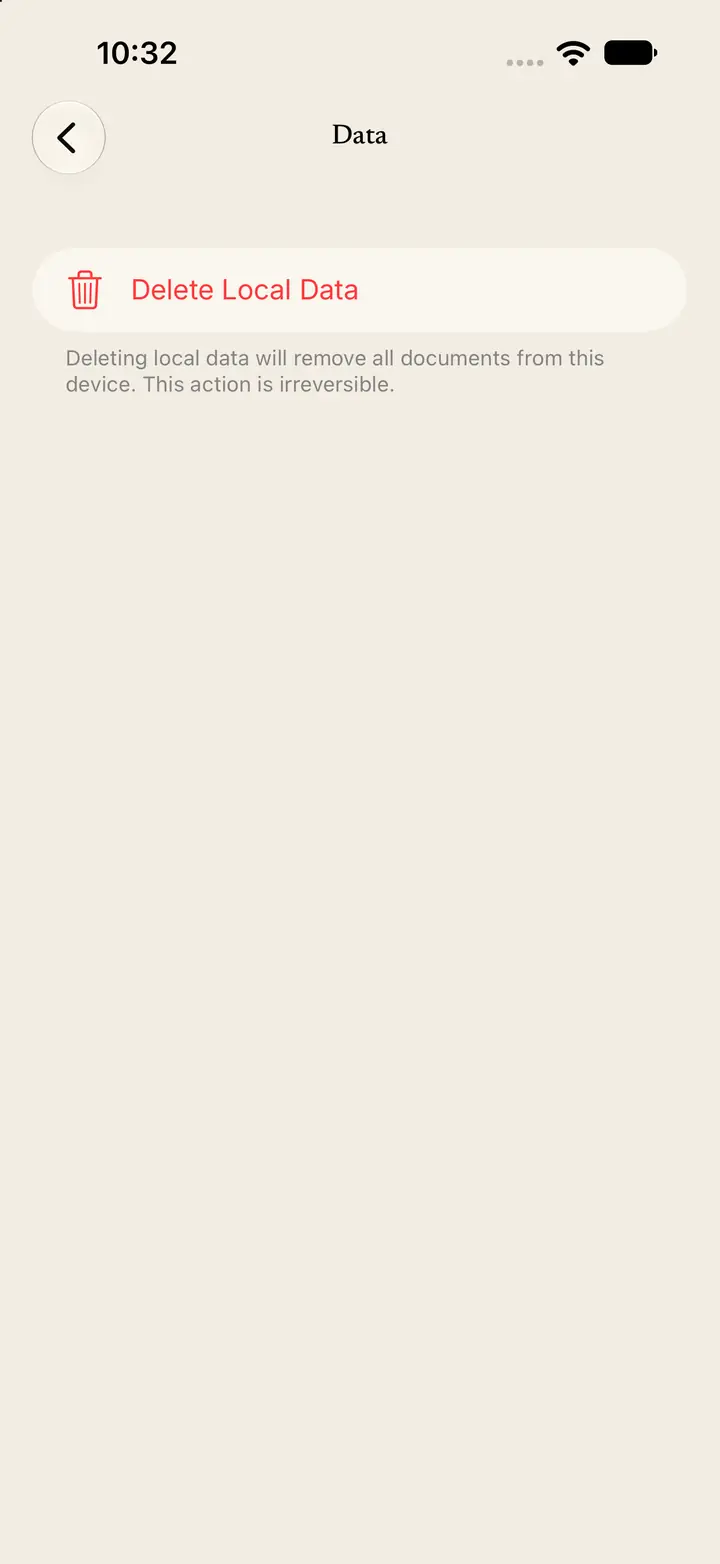
Delete local data
Delete Local Data removes every document on this device.
Step 1
Open Data
Tap Profile.
Tap Data.
The screen title is Data.
Step 2
Read the warning
The row is named Delete Local Data.
The text says: “Deleting local data will remove all documents from this device. This action is irreversible.”
Step 3
Confirm or cancel
Tap Delete Local Data.
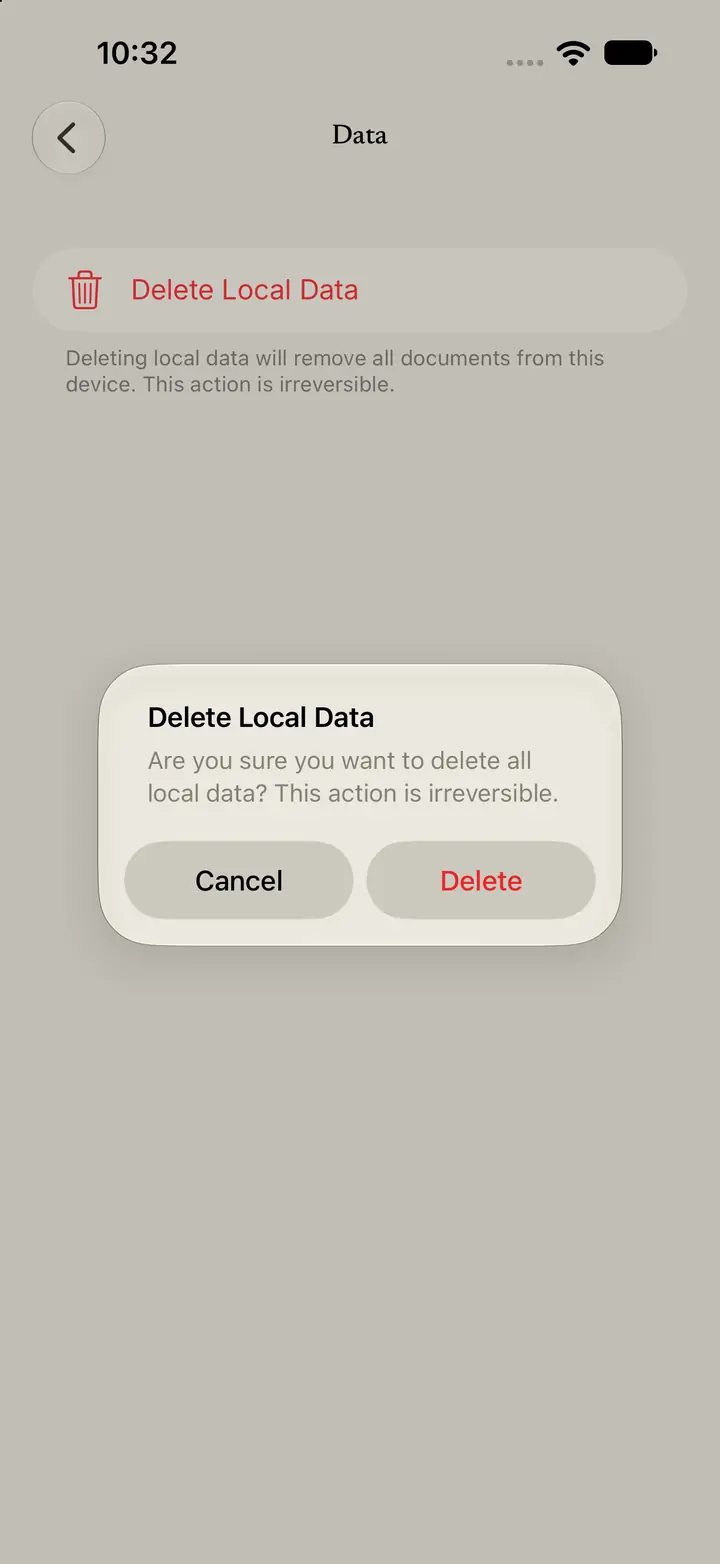
A dialog is titled Delete Local Data.
The dialog says: “Are you sure you want to delete all local data? This action is irreversible.”
Tap Cancel to keep your documents.
Tap Delete to remove them.