Profile and account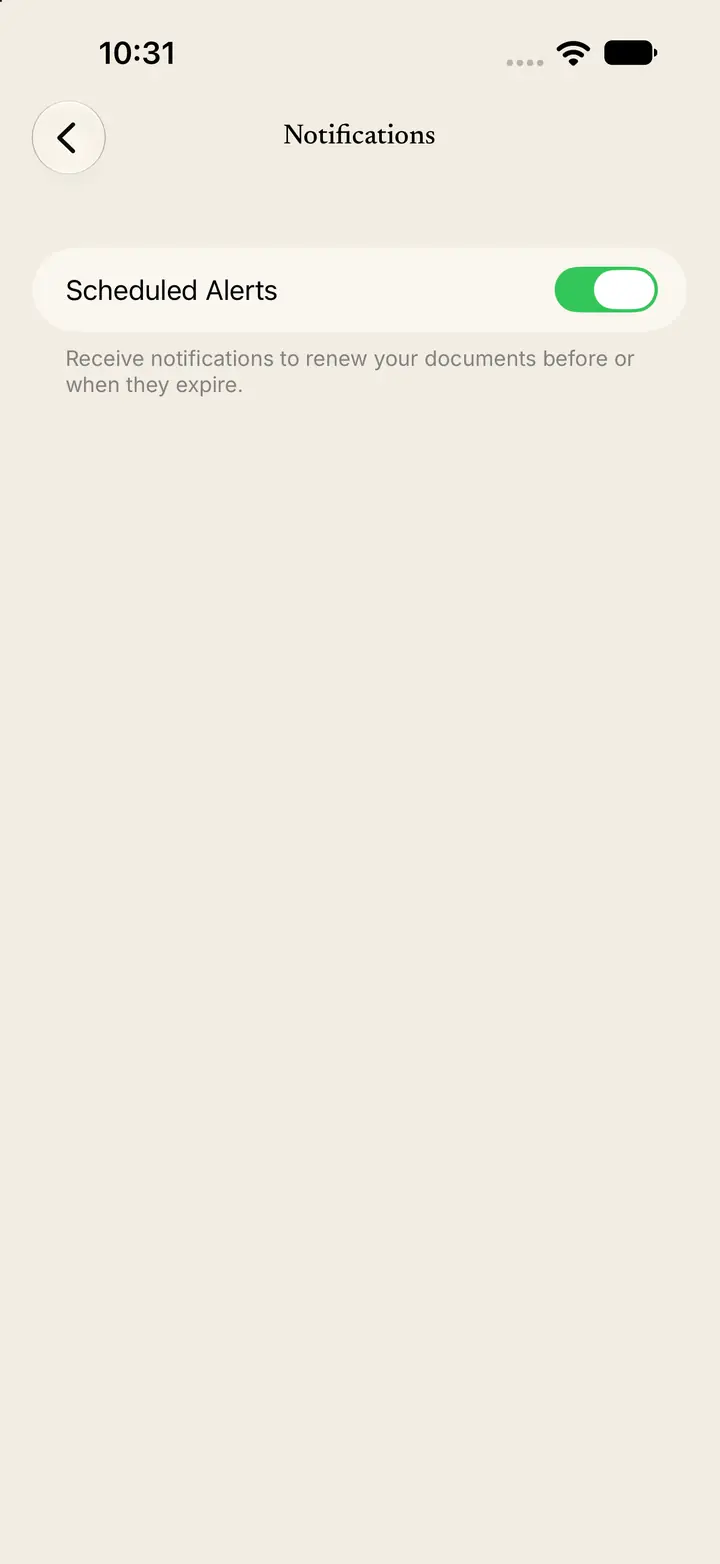
Turn notification alerts on or off
Notifications has one switch: Scheduled Alerts.
Step 1
Open Notifications
Tap Profile.
Tap Notifications.
Step 2
Use the Scheduled Alerts switch
The switch is named Scheduled Alerts.
The text under the switch says: “Receive notifications to renew your documents before or when they expire.”
Turn the switch on to receive those notifications.
Turn the switch off to stop them.